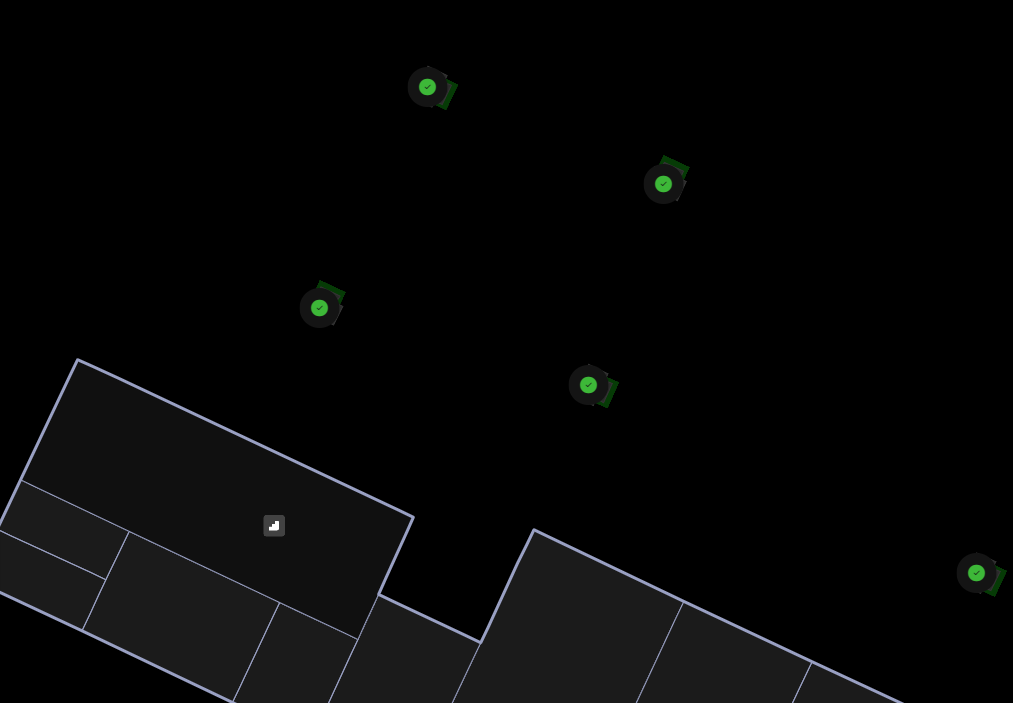
I’ve exported my map as an IMDF for use in MS Places. In the places app one floor shows as expected with all the wall outlines, but the other floor is missing walls and to see the workspace assets you need to zoom in a lot.
Floor zoomed in to see workspaces and walls missing. The working floor has the full building outline.
I initially auto-generated the walls, doors and windows but have deleted and manually created. Have I potentially done some config on the map wrong, or missed something?
Posting here for future visibility. As of right now Places doesn’t support geometry that isn’t closed off rooms. Our current suggestion would be to enclose the cubicle as a room and then add a door to it, you can extend the door to the full length of the wall so it appears as open. You don’t need to label the room.