I’m currently working with the Mappedin platform for indoor mapping and have a few questions regarding its functionality. I would greatly appreciate your guidance on the following three items:
First, I’m looking to replace the existing indoor map with a static image overlay. Could you please provide instructions on how to upload a PNG or JPG image to serve as the indoor base? Additionally, what is the correct method for setting the georeferencing bounds of the image so that it aligns accurately on the map?
Second, I need to change the default map location. I would like the map to initially load centered on a city in Saudi Arabia, such as Riyadh (with latitude 24.7136 and longitude 46.6753). Is there a specific setting or configuration available to adjust the default center and zoom level of the map?
Lastly, I am interested in enabling live location tracking. Could you recommend the steps or APIs necessary to implement live tracking, ideally utilizing browser permission? I’m also curious if the platform supports methods like `watchPosition` or periodic updates, and if there’s any sample code available that demonstrates this functionality.
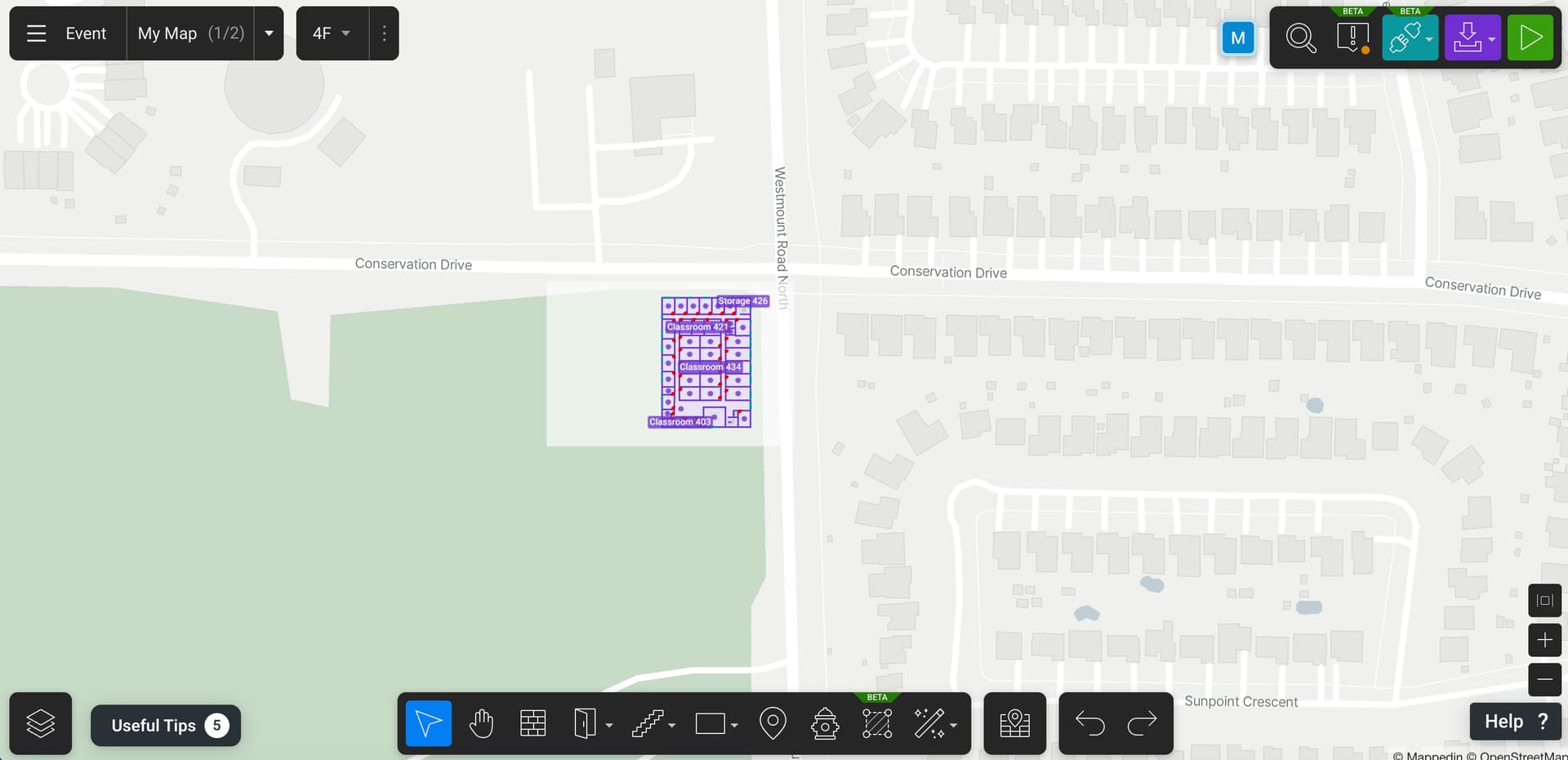
I’ve attached a screenshot that might help illustrate some of my questions.
In regards to the image overlay, are you trying to update or edit the base map images used to create the map? Or are you trying to place images on top of an already created map? If it’s the second, refer to the Images section of our developer guides.
How far from the location of the indoor map is this location? You can use the Camera API to move the map to another location. Note that there is a limit of how far you can move from the location of the indoor map.
Mappedin SDKs are consumers of a device’s location, not a provider. This means it relies on the device or third party service to provide the location. With this, Mappedin can draw the device’s location on the map. Refer to Indoor Positioning for more information.
I wanted to update you that I’ve successfully added my custom map as an image, and the location for my venue in Saudi Arabia is now working correctly — thank you!
However, I still need help with a few things:
Disable or hide “Overview.”
I’d like to remove this option entirely from the dropdown menu on mobile.
Set a specific map/floor as the default one on load.
I want the map to open directly on a certain floor (for example, “Shari’ al-Olya, al-Yasameen, al-Riyadh”).
Confirm the recommended way to show the user’s live location.
I understand that Mappedin consumes the device’s location, but could you please confirm the best way to implement live location tracking in the React Native SDK?
If possible, could you please share a complete sample code for enabling live tracking (real-time user location updates)?
I’m not sure what you’re referring to here. Can you post a screenshot?
You can set this in the props for the MapView. MapViewProps has an property called called options that contains TShow3DMapOptions. Use TShow3DMapOptions.initialFloor to set the first floor that is shown.
This is explained in our Blue Dot Guide. Have a read through that and let me know if you have any questions.
 If possible, could you please share a complete sample code for enabling live tracking (real-time user location updates)?
